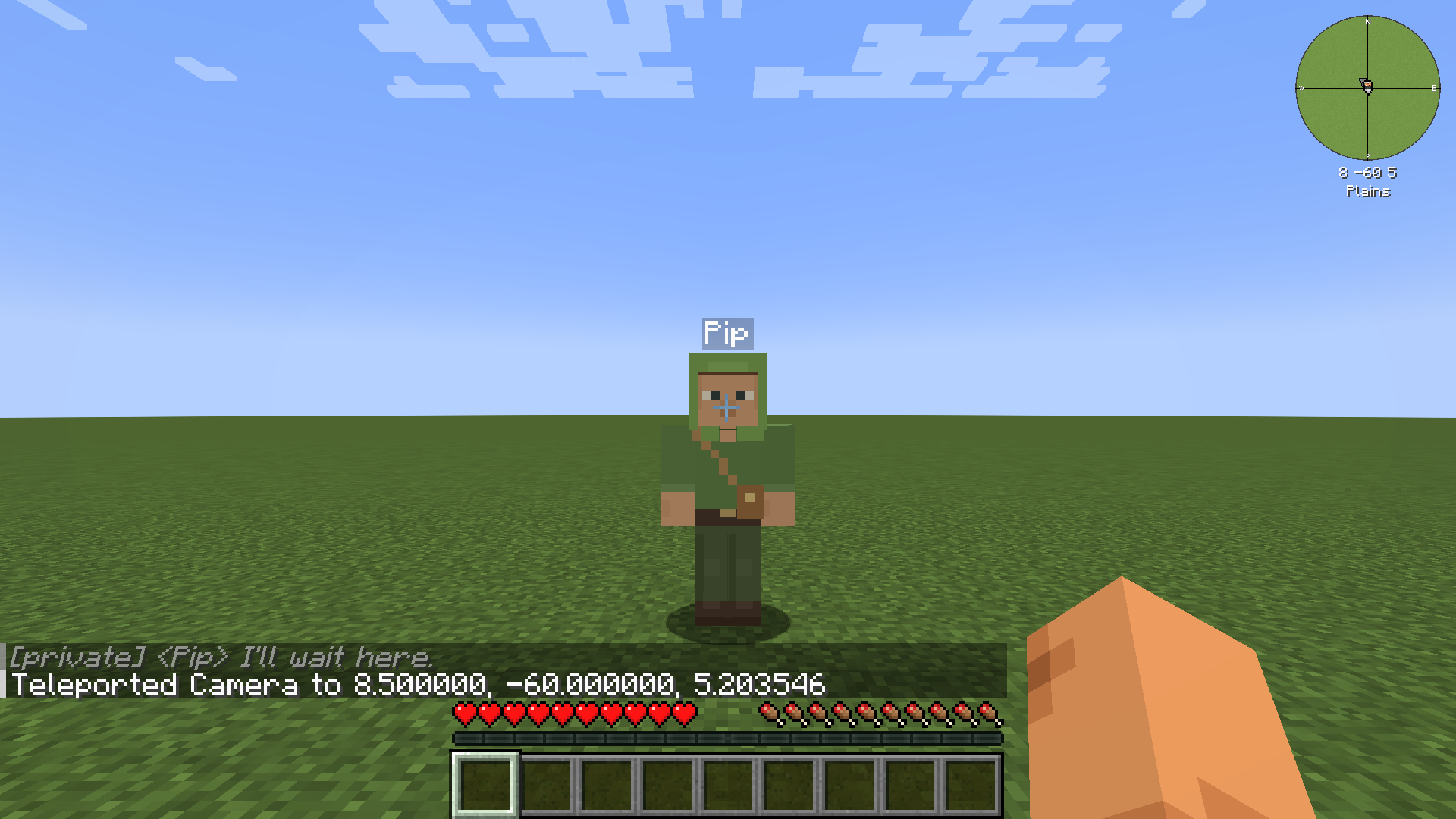
Getting started
What Pretend You Have Friends is, what it needs, and how to make your first friend.
Pretend You Have Friends adds friends to your survival world. Each friend has its own name, look and personality. You can talk to it by typing or by voice, give it orders, and it remembers your time together. It thinks using an AI connection you choose, such as your own ChatGPT or Claude subscription.
What you need
Section titled “What you need”| Minecraft | Java Edition 1.21.1 |
| Loader | NeoForge 21.1.248 or newer |
| Mod version | 0.1.0 (development build) |
| Where to install | Your own game, and the server too if you play on one |
| An AI connection | A ChatGPT or Claude subscription, or an API key (see Choosing a connection) |
| A microphone | Only for voice; typing always works |
| License | LGPL-3.0-only |
Without an AI connection, friends still follow simple orders such as follow, stay, come and stop. They can’t hold a conversation or plan anything new. See Orders.
Your first friend
Section titled “Your first friend”- Open the friends menu with O (the key is called “Open friends menu” in Controls).
- Choose an AI connection. Press AI connection, pick one and press Done. See Choosing a connection.
- Press New friend. Give your friend a name and pick a skin, then press Create. See Friends.
- Say hello. Your friend appears next to you, says hi and follows you. Type
/msg Pip hi(with your friend’s name), or hold V and talk.
You can also make a friend with a command:
/pyhf create Pip "preset:pip"Things to know
Section titled “Things to know”- New friends arrive empty-handed. They have nothing until you or they find something.
- You can have up to 3 friends at a time. A server can change this limit (see Configuration).
- Friends get hungry. Give them food when they ask. Hunger never kills them.
- What you say to your own friend stays private. Your private chats and memories are stored on your computer, never on the server, and sent only to the AI connection you choose when your friend thinks. See Privacy.
- Nothing switches to paid use by itself. If your connection fails, your friends wait. They never move to another service or a paid one without you choosing it.
- Friends can’t follow you through portals yet. They wait where they are and say so.