Orders
Follow, stay, come, stop, status and home. The orders that always work, with or without AI, and how jobs you ask for are carried out.
Some orders never wait for an AI. They are matched exactly and carried out at once, so they work even when your AI connection is down, slow or out of allowance. Everything else you say goes to your friend to think about.
Simple orders
Section titled “Simple orders”Type them to your friend in chat (/msg Pip stay), say them by voice, pick them in the friends menu, or use a command.
| Order | Also understood | What happens | Command |
|---|---|---|---|
| Follow | “follow me”, “come with me” | Follows you at a short distance. New friends start like this. | /pyhf follow <friend> |
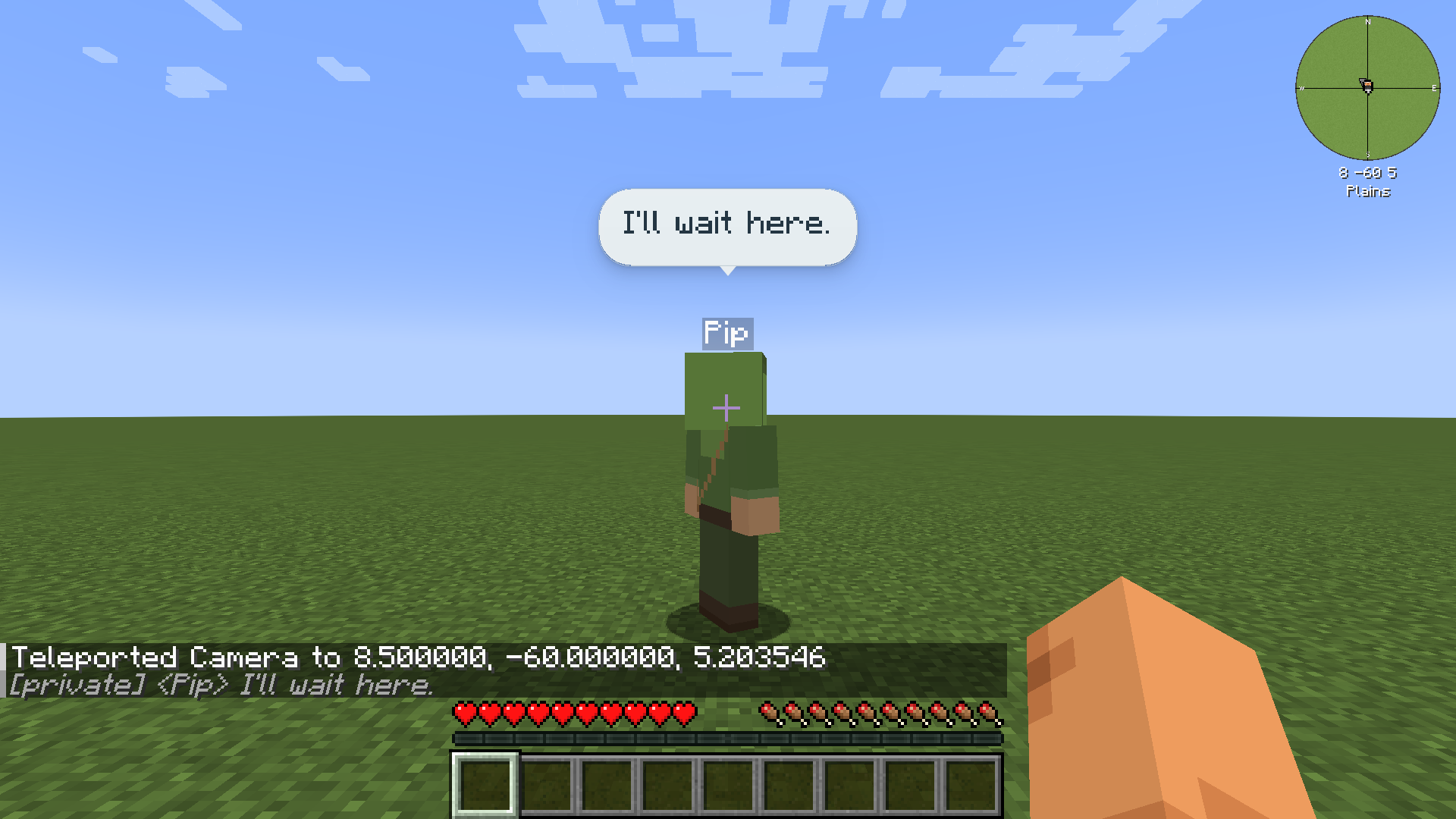
| Stay | “stay here”, “wait”, “wait here” | Waits where it is. | /pyhf stay <friend> |
| Come | “come here”, “come to me”, “over here” | Comes to you and stops close by. | /pyhf come <friend> |
| Stop | “halt”, “freeze”, “stop it”, “stop that”, “cancel” | Stops the current job or fight at once. | /pyhf stop <friend> |
| Status | Tells you its health, food, what it is doing, its job, how many item stacks it carries and its Stability. | /pyhf status <friend> |
|
| Home here | “this is your home”, “rest here”, “sleep here”, “your home is here” | Makes this spot its home. Look at a bed to make that bed its home. Owner only. | /pyhf set_home <friend> |
| Go home | “go home”, “go rest”, “you can go”, “dismissed”, “go home and rest” | Goes home and rests. See Home and rest. | /pyhf dismiss <friend> |
A phrase can start with “please” or “hey” and can include the friend’s name (“Pip, stop” or “stop, Pip”). Anything longer, or less certain, goes to your friend as conversation instead.
Yes and no (also “okay”, “sure”, “go ahead”, “nope”, “no thanks”) count as answers only while your friend is waiting for one, for example when it isn’t sure a job finished; otherwise they’re conversation. As commands: /pyhf yes <friend> and /pyhf no <friend>.
/pyhf list lists your friends and the friends you may command, with their state.
Who can give orders
Section titled “Who can give orders”Your friend takes orders from you and from players you trust (see Trust and multiplayer). A few things are for the owner only: setting home, trust, editing and removing.
When orders conflict:
- While a job you gave is still running, a trusted player’s conflicting order is refused (“Pip is busy with a job for their owner.”).
- A newer order from the same person replaces their earlier one.
- With no owner job running, the newest trusted order wins.
- Stop from anyone who may command the friend always wins.
Asking for things
Section titled “Asking for things”Anything that isn’t a simple order goes to your friend, who plans it with your AI connection: “can you dig out that dirt”, “bring me the cobblestone you picked up”. The server checks every step before it happens. A friend’s own claim that it is done never counts until the server has checked it.
Right now a friend can walk somewhere, mine a block with the best tool it carries, pick up dropped items, hold an item, eat, hand items to the player who asked, fight, and ask you a question. Placing blocks, crafting and using chests come later (see the Roadmap).
Two commands give a job directly, without an AI:
/pyhf goto <friend> <x y z>/pyhf mine <friend> <x y z>A friend only mines what the player it works for could break: their game mode, spawn protection and land claims all apply. See Servers.
When the AI connection is lost
Section titled “When the AI connection is lost”Simple orders keep working. A job your friend was planning with the AI finishes only the step it is on, then pauses: “Pip can’t work out how to carry on right now, so the job is paused. They’ll try again shortly; say stop to cancel it.” Nothing switches to another service by itself.
If the game stopped part way through a job, your friend checks the world first when it comes back. A job that was already done is not done twice. If it can’t tell, it asks: “Pip isn’t sure whether the job finished. Say yes to carry on or stop to cancel.”
Home and rest
Section titled “Home and rest”Go home sends your friend home to rest. It keeps its identity, memories and everything it carries, and stays resting until someone gives it something new to do. If it has no home yet, it waits nearby instead and asks: “I don’t have a home yet. I’ll wait here. Tell me “this is your home” where you want me to rest.”
Far from players
Section titled “Far from players”While its owner is online, a friend working or following far from every player keeps a small area around itself loaded and releases it behind as it moves. This works only in terrain that has already been generated: a friend never makes the game generate new land. When its owner logs out, a friend stops and waits.